Code Snippets in Content Assist
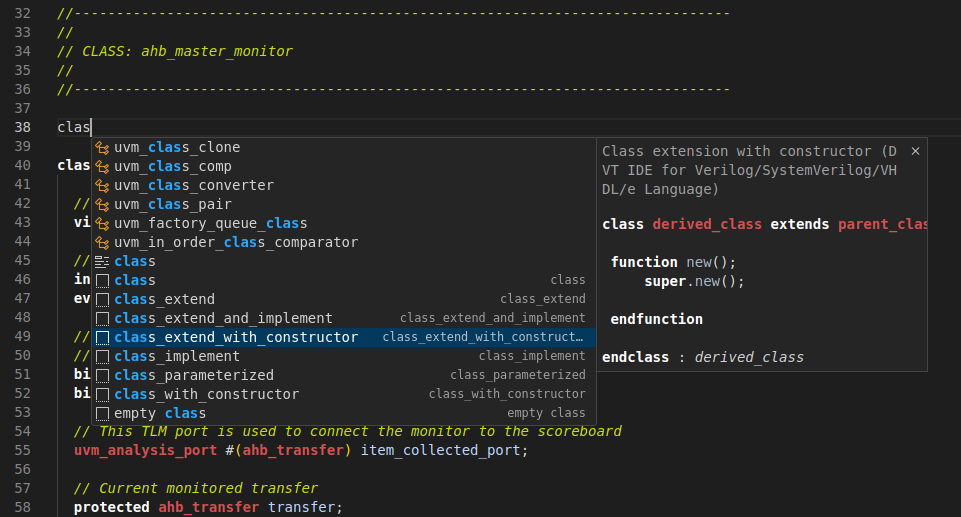
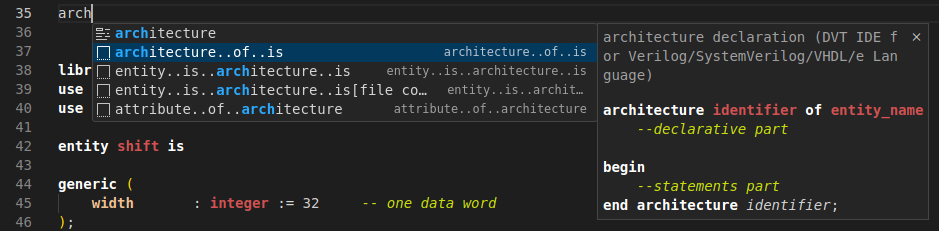
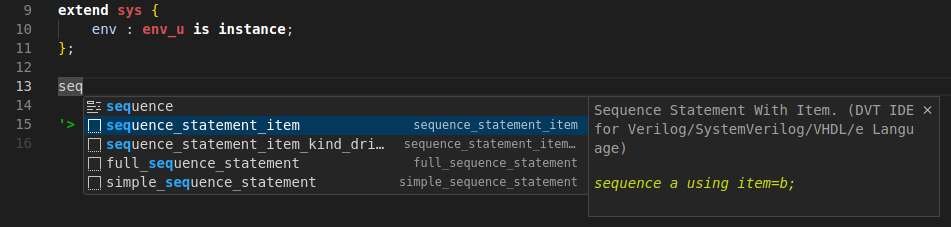
Type the first letters from the code snippet name and trigger Content Assist. Hover over a code snippet proposal to see more details about it.
SystemVerilog:
VHDL:
e Language:
Note
The DVT predefined code snippets and the newly created ones will be all shown in content assist, even if they have the same name.
Tip
Alternatively, you can insert a code snippet in the editor using the Snippets: Insert Snippet command instead of content assist.
Tip
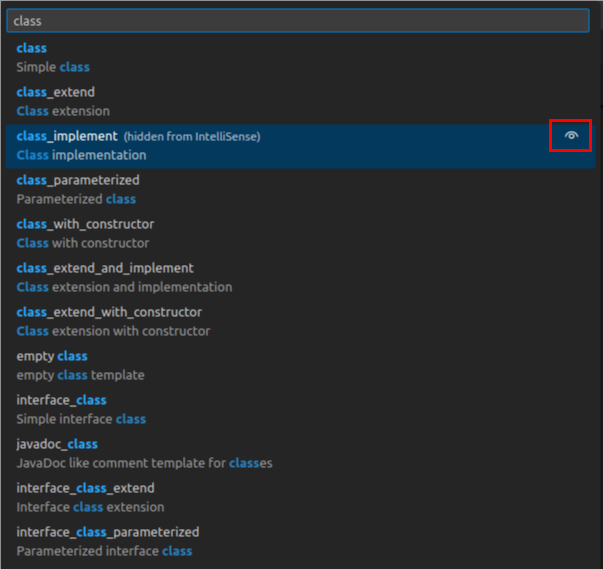
You can hide DVT predefined code snippets from IntelliSense by clicking the “👁️” button from the Snippets: Insert Snippet command proposals.